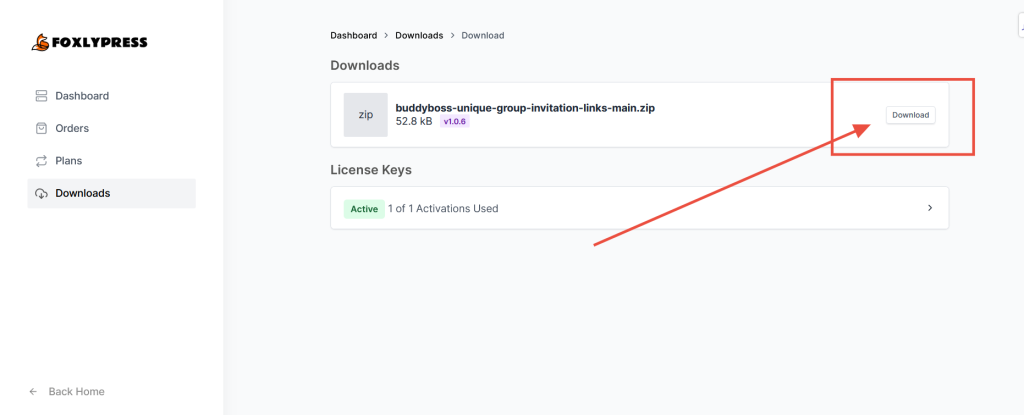
You can download a plugin you have purchased from FoxlyPress at any time from your account dashboard. Simply navigate to Account > Customer Dashboard > Sign In > Scroll down to the “Downloads” section > Select the plugin you want to download.
Step 1: Sign into Your customer dashboard #
Here is a direct link to your customer dashboard: https://foxlypress.com/customer-dashboard/
Step 2: Select Downloads from the main menu #

Step 3: Select the product you want to download #

Step 4: Click the “Download” Button #