Setting up our integration with SureMembers and your BuddyBoss app in-app purchases is very easy and just takes a few minutes.
Step 1: Install and Activate Plugin #
Upload the zip file to your WordPress website.
Activate the plugin.
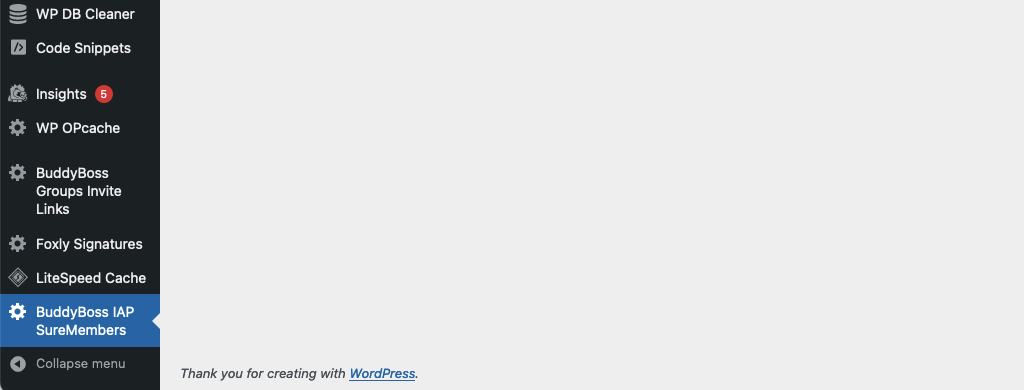
Step 2: Notice the New Menu Item – BuddyBoss IAP SureMembers #
Navigate to the new menu item called “BuddyBoss IAP SureMembers”
[Note IAP stands for In App Purchases]
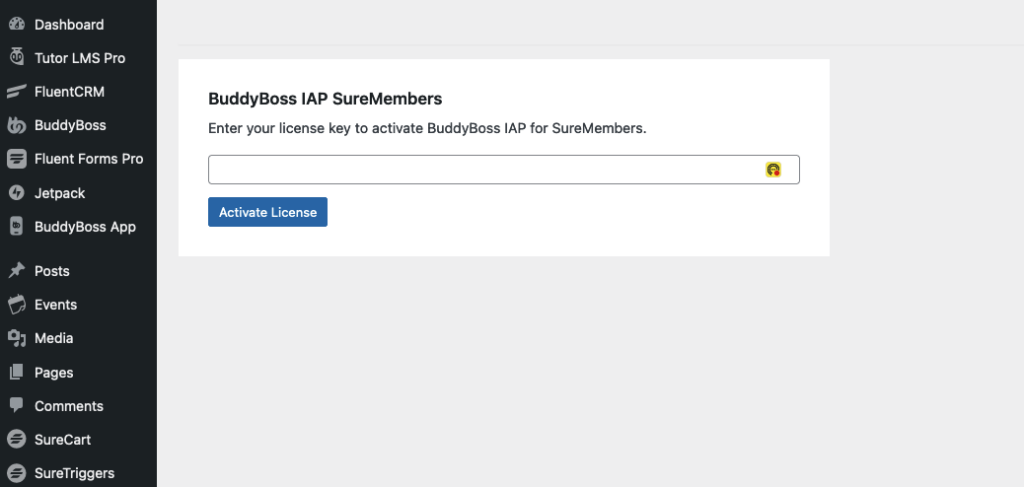
Step 3: Activate Your License Key #
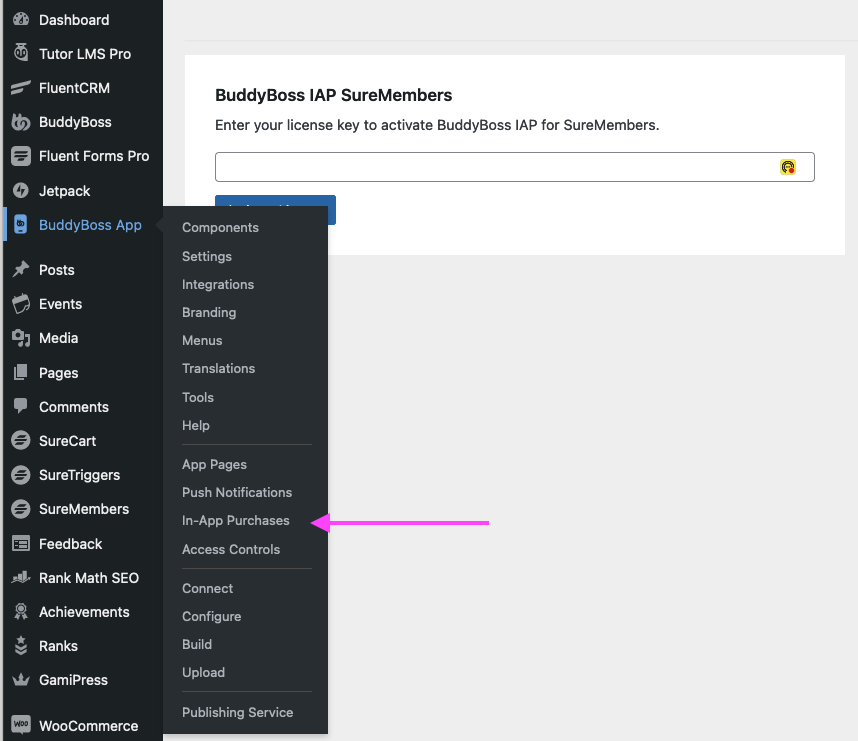
Step 5: Navigate to Your In-App Purchases in BuddyBoss App Settings #
Step 6: Select Products #
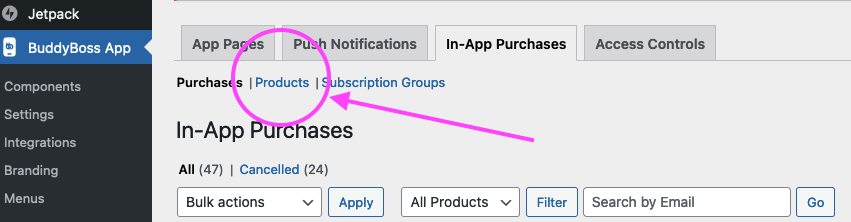
Step 7: Select which product you want to edit and navigate to integration. #
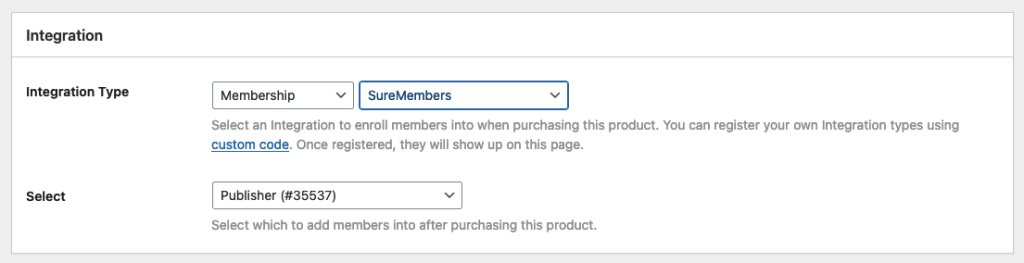
If you have not created an in-app product, you will need to create one. If you already have in-app products, select the product you want to edit and scroll down to the integration section. Now, when you select Membership, you will have SureMembers as an integration option.